Ollama’s web search API can be used to augment models with the latest information to reduce hallucinations and improve accuracy.Web search is provided as a REST API with deeper tool integrations in the Python and JavaScript libraries. This also enables models like OpenAI’s gpt-oss models to conduct long-running research tasks.
{ "results": [ { "title": "Ollama", "url": "https://ollama.com/", "content": "Cloud models are now available..." }, { "title": "What is Ollama? Introduction to the AI model management tool", "url": "https://www.hostinger.com/tutorials/what-is-ollama", "content": "Ariffud M. 6min Read..." }, { "title": "Ollama Explained: Transforming AI Accessibility and Language ...", "url": "https://www.geeksforgeeks.org/artificial-intelligence/ollama-explained-transforming-ai-accessibility-and-language-processing/", "content": "Data Science Data Science Projects Data Analysis..." } ]}
import { Ollama } from "ollama";const client = new Ollama();const results = await client.webSearch("what is ollama?");console.log(JSON.stringify(results, null, 2));
Example output
Copy
{ "results": [ { "title": "Ollama", "url": "https://ollama.com/", "content": "Cloud models are now available..." }, { "title": "What is Ollama? Introduction to the AI model management tool", "url": "https://www.hostinger.com/tutorials/what-is-ollama", "content": "Ollama is an open-source tool..." }, { "title": "Ollama Explained: Transforming AI Accessibility and Language Processing", "url": "https://www.geeksforgeeks.org/artificial-intelligence/ollama-explained-transforming-ai-accessibility-and-language-processing/", "content": "Ollama is a groundbreaking..." } ]}
{
  "title": "Ollama",
  "content": "[Cloud models](https://ollama.com/blog/cloud-models) are now available in Ollama...",
  "links": [
    "http://ollama.com/",
    "http://ollama.com/models",
    "https://github.com/ollama/ollama"
  ]
from ollama import web_fetchresult = web_fetch('https://ollama.com')print(result)
Result
Copy
WebFetchResponse( title='Ollama', content='[Cloud models](https://ollama.com/blog/cloud-models) are now available in Ollama\n\n**Chat & buildwith open models**\n\n[Download](https://ollama.com/download) [Exploremodels](https://ollama.com/models)\n\nAvailable for macOS, Windows, and Linux', links=['https://ollama.com/', 'https://ollama.com/models', 'https://github.com/ollama/ollama'])
import { Ollama } from "ollama";const client = new Ollama();const fetchResult = await client.webFetch("https://ollama.com");console.log(JSON.stringify(fetchResult, null, 2));
Result
Copy
{ "title": "Ollama", "content": "[Cloud models](https://ollama.com/blog/cloud-models) are now available in Ollama...", "links": [ "https://ollama.com/", "https://ollama.com/models", "https://github.com/ollama/ollama" ]}
Use Ollama’s web search API as a tool to build a mini search agent.This example uses Alibaba’s Qwen 3 model with 4B parameters.
Copy
ollama pull qwen3:4b
Copy
from ollama import chat, web_fetch, web_searchavailable_tools = {'web_search': web_search, 'web_fetch': web_fetch}messages = [{'role': 'user', 'content': "what is ollama's new engine"}]while True: response = chat( model='qwen3:4b', messages=messages, tools=[web_search, web_fetch], think=True ) if response.message.thinking: print('Thinking: ', response.message.thinking) if response.message.content: print('Content: ', response.message.content) messages.append(response.message) if response.message.tool_calls: print('Tool calls: ', response.message.tool_calls) for tool_call in response.message.tool_calls: function_to_call = available_tools.get(tool_call.function.name) if function_to_call: args = tool_call.function.arguments result = function_to_call(**args) print('Result: ', str(result)[:200]+'...') # Result is truncated for limited context lengths messages.append({'role': 'tool', 'content': str(result)[:2000 * 4], 'tool_name': tool_call.function.name}) else: messages.append({'role': 'tool', 'content': f'Tool {tool_call.function.name} not found', 'tool_name': tool_call.function.name}) else: break
Result
Copy
Thinking: Okay, the user is asking about Ollama's new engine. I need to figure out what they're referring to. Ollama is a company that develops large language models, so maybe they've released a new model or an updated version of their existing engine....Tool calls: [ToolCall(function=Function(name='web_search', arguments={'max_results': 3, 'query': 'Ollama new engine'}))]Result: results=[WebSearchResult(content='# New model scheduling\n\n## September 23, 2025\n\nOllama now includes a significantly improved model scheduling system. Ahead of running a model, Ollama’s new engineThinking: Okay, the user asked about Ollama's new engine. Let me look at the search results.First result is from September 23, 2025, talking about new model scheduling. It mentions improved memory management, reduced crashes, better GPU utilization, and multi-GPU performance. Examples show speed improvements and accurate memory reporting. Supported models include gemma3, llama4, qwen3, etc...Content: Ollama has introduced two key updates to its engine, both released in 2025:1. **Enhanced Model Scheduling (September 23, 2025)** - **Precision Memory Management**: Exact memory allocation reduces out-of-memory crashes and optimizes GPU utilization. - **Performance Gains**: Examples show significant speed improvements (e.g., 85.54 tokens/s vs 52.02 tokens/s) and full GPU layer utilization. - **Multi-GPU Support**: Improved efficiency across multiple GPUs, with accurate memory reporting via tools like `nvidia-smi`. - **Supported Models**: Includes `gemma3`, `llama4`, `qwen3`, `mistral-small3.2`, and more.2. **Multimodal Engine (May 15, 2025)** - **Vision Support**: First-class support for vision models, including `llama4:scout` (109B parameters), `gemma3`, `qwen2.5vl`, and `mistral-small3.1`. - **Multimodal Tasks**: Examples include identifying animals in multiple images, answering location-based questions from videos, and document scanning.These updates highlight Ollama's focus on efficiency, performance, and expanded capabilities for both text and vision tasks.
Web search results can return thousands of tokens. It is recommended to increase the context length of the model to at least ~32000 tokens. Search agents work best with full context length. Ollama’s cloud models run at the full context length.
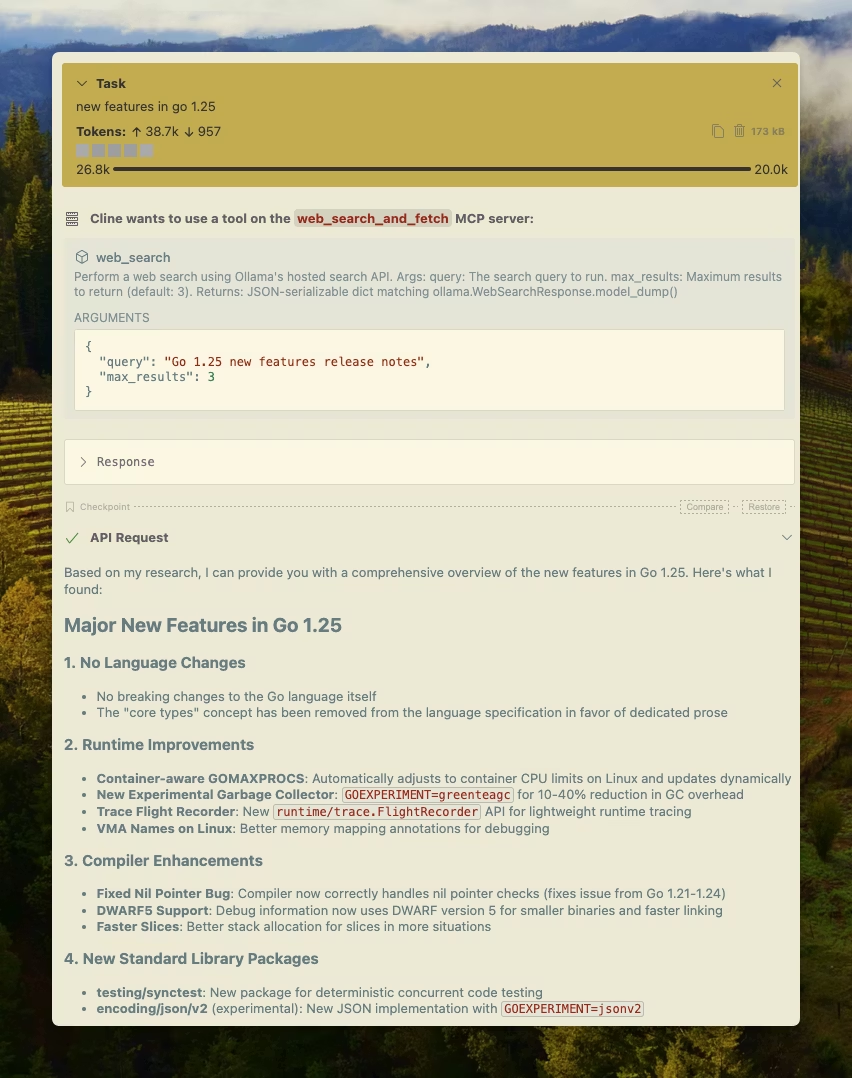
Ollama’s web search can be integrated with Cline easily using the MCP server configuration.Manage MCP Servers > Configure MCP Servers > Add the following configuration:
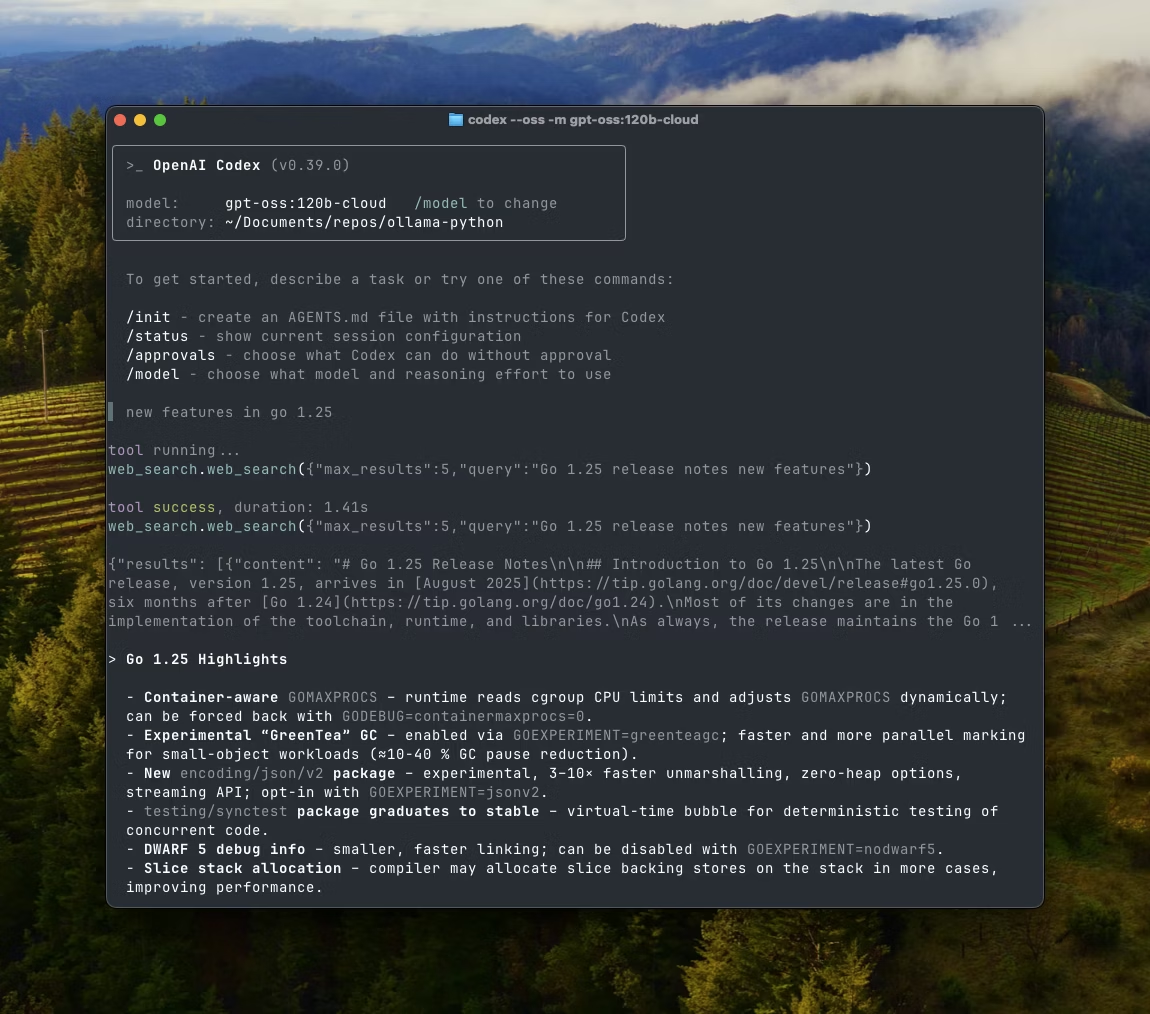
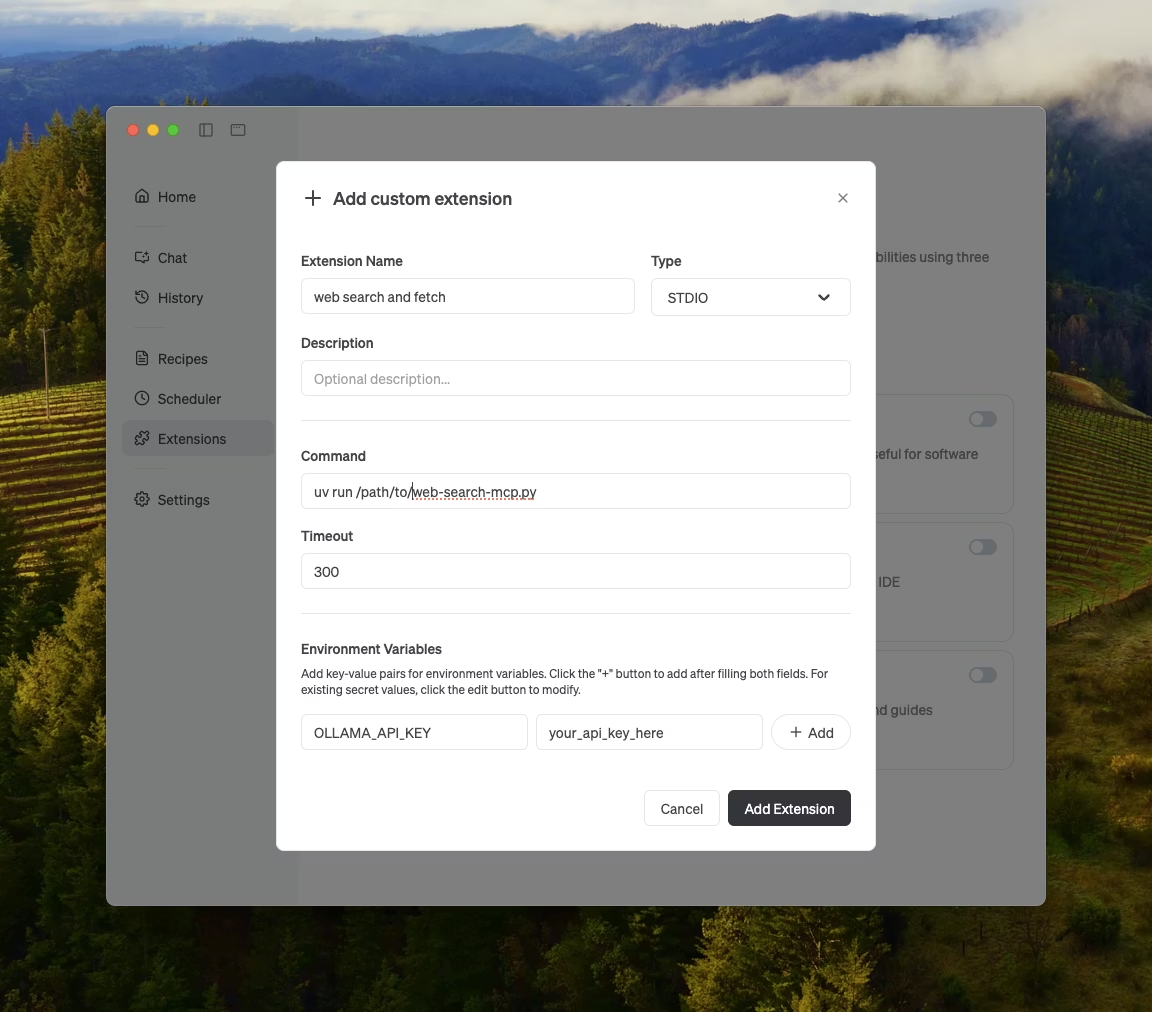
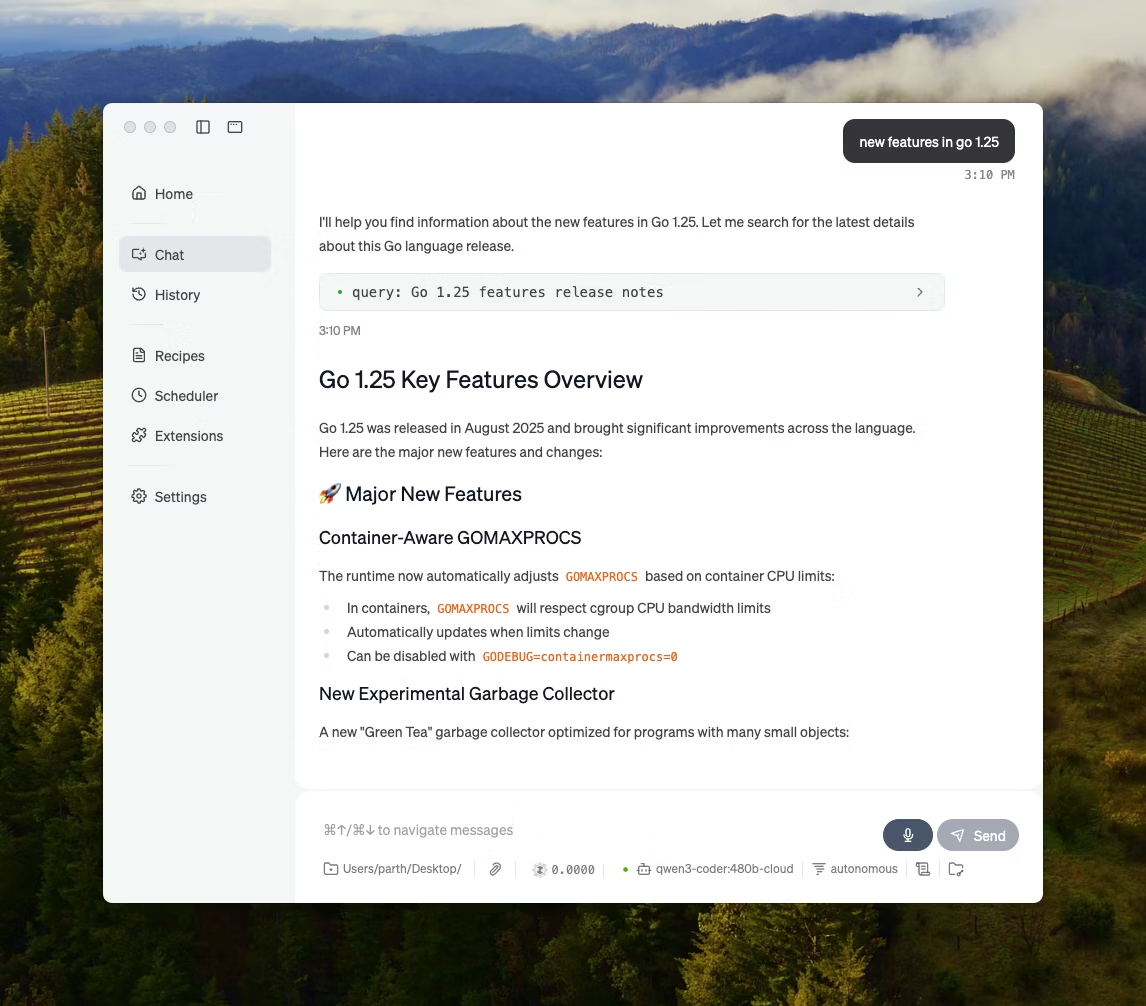
Ollama can be integrated into most of the tools available either through direct integration of Ollama’s API, Python / JavaScript libraries, OpenAI compatible API, and MCP server integration.